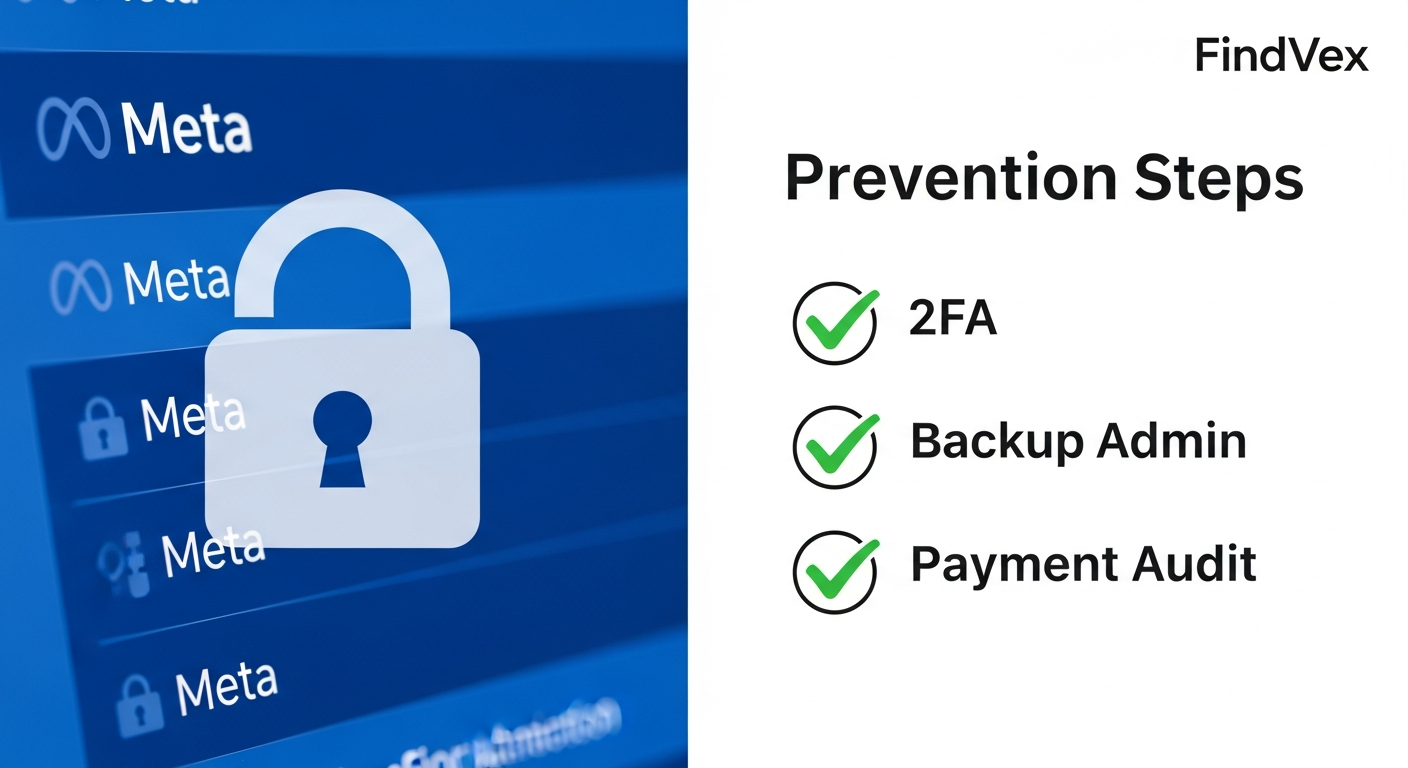
Facebook Account Lockouts Are Rising: Why It's Happening and What Business Owners Should Do Now
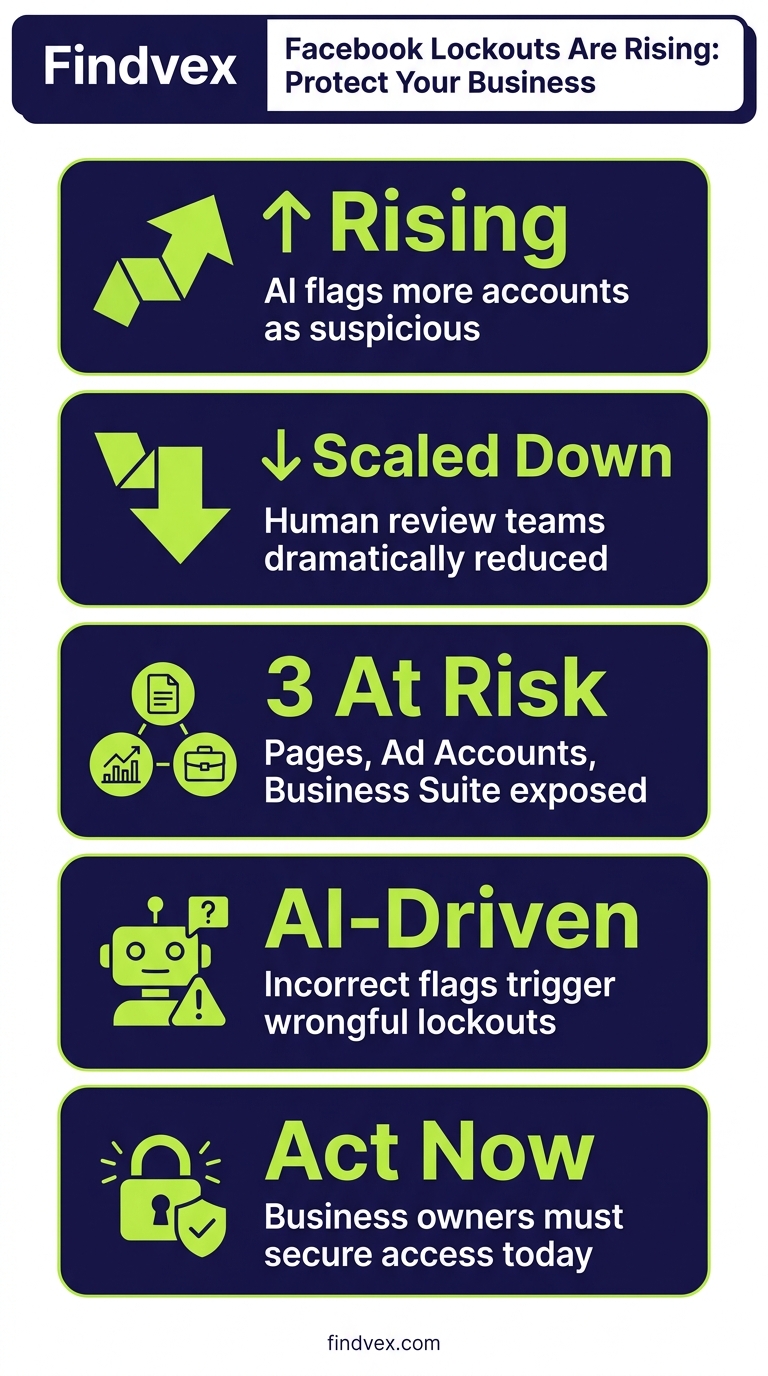
Meta's AI moderation systems are flagging more accounts as suspicious — often incorrectly — while human review has scaled down. Business owners who rely on Facebook Pages, Ad Accounts, or Meta Business Suite are most exposed. Here's what changed and how to protect your access.
Quick answer
Facebook account lockouts are rising in 2026 because Meta's AI moderation systems are generating more false positives as they scale across billions of accounts. Stricter identity verification requirements, reduced human review, and new platform security signals are all contributing. Business owners are especially at risk because losing access to a Facebook Page or Ad Account can cut off a major marketing channel overnight. To protect yourself: enable two-factor authentication, add a backup admin to your Business Manager, and document your account recovery options before you need them.
What's Actually Happening with Facebook Account Lockouts
Over the past several months, a significant and growing number of users — including everyday consumers, content creators, and small business owners — have reported being abruptly locked out of their Facebook and Instagram accounts. What was once a rare inconvenience has become a recognizable pattern.
According to reporting by Search Engine Land, the root cause is not one single change but a convergence of several platform shifts happening simultaneously at Meta. AI-driven content moderation, tightened security signals, new identity verification requirements, and a structural reduction in human review have all collided — and the result is more accounts being flagged incorrectly, with fewer paths to appeal.
This matters for business owners specifically because Facebook is not just a social network for them. It is often a primary paid advertising channel, a customer communication hub, and in some cases the only public-facing web presence a local business has. Losing access can mean losing active ad campaigns, customer messages, and accumulated page history — sometimes permanently.
The Five Forces Behind the Increase
Understanding what changed helps you respond strategically rather than reactively. These are the forces Search Engine Land identified as driving the rise in lockouts.
- AI moderation at scale with rising false positives. Meta relies heavily on AI systems to detect harmful content, scams, and policy violations across billions of accounts. These systems are effective at volume but generate false positives — flagging legitimate accounts that exhibit patterns similar to problematic ones. Because the scale is so large, even a small error rate translates to millions of incorrect flags.
- Account takeover attempts are increasing. External threat actors are targeting Facebook accounts at higher rates. In response, Meta's security systems are becoming more aggressive in locking accounts that show any sign of unusual login behavior — including legitimate access from a new device, a VPN, or an unfamiliar location.
- New identity verification and feature rollouts. Meta has been rolling out new account features that require identity confirmation. Users who have not completed verification steps, or who have outdated payment information attached to an ad account, are more likely to trigger lockout conditions.
- Platform economics favor enforcement over recovery. Meta's business model depends on advertising revenue, not on resolving individual account issues. The incentive structure does not prioritize fast, human-assisted account recovery — which is why automated lockout is faster than manual reinstatement.
- Human support has not scaled with the platform. As the platform has grown, the ratio of human reviewers to accounts has declined. The enforcement side has scaled with AI; the recovery side has not. This asymmetry means that once an account is locked, regaining access can take weeks or may never happen.
“AI agents do in hours what teams used to do in weeks. The advantage compounds.”
Who Is Most Exposed: The Business Owner Risk Profile
Not all accounts carry the same risk. Business owners face compounding exposure because their Facebook presence spans multiple connected assets — and a problem with one can cascade to the others.
The highest-risk profiles are businesses that rely on a single personal account as the primary admin of their Business Manager, ad accounts, and Pages. If that personal account gets locked — even temporarily — it can freeze everything downstream: active campaigns, page management, and customer messaging.
There are also specific account behaviors that Meta's AI systems appear to flag more frequently, based on patterns reported by affected users and digital marketers.
- Running ad accounts with outdated or expired payment methods attached
- Accessing Business Manager from multiple IP addresses or devices without 2FA enabled
- Accounts that have never set up two-factor authentication
- Pages that have had prior policy flags or restrictions — even resolved ones
- New ad accounts spending heavily without an established account history
- Business accounts connected to personal profiles that show unusual login patterns
The Business Owner's Lockout Prevention Checklist
The time to address this is before it happens. Once an account is locked, your options narrow quickly. These steps take less than an hour to complete and significantly reduce your exposure.
- Enable two-factor authentication on every account. Your personal profile, any secondary admins, and your Business Manager login should all have 2FA active. Use an authenticator app rather than SMS where possible — SMS-based 2FA can be intercepted and is less reliable if you change phone numbers.
- Add a second admin to your Business Manager. If your account is locked, a secondary admin can maintain access to your Pages and ad accounts while you work through recovery. This one step is the single highest-leverage protection available.
- Audit your payment methods. Log in to your Meta Business Suite and verify that all payment methods attached to ad accounts are current and valid. Outdated cards are a known lockout trigger.
- Document your account IDs now. Find and save your Business Manager ID, your Ad Account ID, and your Page ID. These are required when submitting a support ticket, and you will not be able to retrieve them easily if you are locked out.
- Use the official recovery paths before you need them. Familiarize yourself with facebook.com/hacked and the Meta Business Help Center. Know what documentation Meta accepts for identity verification — typically a government-issued ID — so you are not scrambling to gather it under pressure.
- Review your trusted contacts settings. Facebook allows you to designate trusted contacts who can help you regain access. Make sure this list is populated and current.
- Diversify your marketing channels. This is the strategic imperative. If Facebook is your primary or only customer acquisition channel, you are one AI moderation error away from a significant business disruption. Building presence on Google, investing in your own website's SEO, and growing an email list are the structural moves that reduce this dependency.
If You're Already Locked Out: The Recovery Sequence
If lockout has already occurred, the recovery process is slow and uncertain — but there is a structured path to follow. Patience and documentation are the two most important factors.
- Start at the official recovery portal. Go to facebook.com/hacked if you believe the account was compromised, or use the 'Forgot Password' flow if it is a standard lockout. Do not use third-party recovery services — they are scams.
- Submit an identity verification request with government ID. Meta accepts official government-issued photo identification. Upload a clear, readable image. Be prepared to resubmit — the first submission is frequently not reviewed promptly.
- Use the Meta Business Help Center for business account issues. If your Business Manager or Ad Account is the primary problem, the support path is different from personal account recovery. Navigate through the Business Help Center and look for the option to contact support directly — this option is more accessible if you have an active or recent ad spend history.
- Be persistent without spamming. Multiple simultaneous recovery submissions can sometimes complicate the process. Submit one clear request, wait several days, and follow up systematically.
- Check for the Meta Accounts Center. Meta has consolidated account settings across Facebook and Instagram in the Accounts Center. Some recovery options appear here that are not surfaced through the standard login flow.
- Document everything. Keep records of every submission, timestamp, and response. This documentation matters if you escalate or pursue other remedies.
Strategic Takeaway: Platform Dependency Is a Business Risk
The broader lesson from the rise in Facebook lockouts is one that applies to any platform dependency: access to someone else's platform is not an asset you own. It is a privilege that can be revoked by an AI system at 2 a.m. without notice, explanation, or a clear path to appeal.
For small business owners, the right response is not panic — it is structural. The businesses most damaged by a sudden account lockout are the ones who built their entire customer acquisition on a single channel they do not control. The ones least affected are the ones who treated Meta as one distribution channel among several.
This is where organic search becomes a strategic insurance policy. A well-optimized Google Business Profile and a website that ranks for local searches continue generating leads whether or not your Facebook account is accessible. Building that foundation now is not just good SEO — it is risk management.
The same logic applies to email marketing. An email list is an asset you own. A Facebook following is an audience you rent. If this week's lockout wave has affected anyone in your network, use it as the signal to rebalance your marketing mix.
What Meta Is Doing About It
Meta has acknowledged the issue to the extent of rolling out a new Support Hub for locked-out users — reported by local news outlets in early March 2026 — which centralizes recovery options in one location. This is a meaningful incremental improvement over the previously fragmented support experience.
However, the structural problem remains: enforcement scales with AI, recovery still requires human review, and the volume of lockouts is growing faster than Meta's support capacity. The support hub addresses navigation and discovery of recovery tools, but it does not address the underlying false positive rate or the speed of resolution.
Businesses should treat the support hub as a useful resource — not as a solution. The prevention checklist above remains the most reliable protection available.
FAQs
Why is my Facebook account locked for no reason?
In most cases, the account has been flagged by Meta's AI moderation system, which monitors for unusual activity, security signals, or policy patterns at scale. These systems generate false positives — meaning legitimate accounts get flagged. Common triggers include accessing your account from a new device or location, having outdated payment information on an ad account, or patterns that resemble behavior associated with compromised accounts. It is not necessarily anything you did wrong.
How do I recover a locked Facebook business account?
Start at the Meta Business Help Center or facebook.com/hacked if the account was compromised. Submit an identity verification request with a government-issued photo ID. If you have an active ad account, look for a direct support chat option inside the Business Help Center — it tends to be more responsive for advertisers. Have your Business Manager ID and Page ID ready before you submit. Be prepared for a multi-day or multi-week process, and follow up systematically rather than submitting multiple simultaneous requests.
Are Facebook lockouts affecting business pages and ad accounts too?
Yes. When the personal account that serves as the primary admin of a Business Manager is locked, it can affect access to connected Pages, ad accounts, and Meta Business Suite. This is why adding a second admin to your Business Manager is one of the highest-priority prevention steps. The lockout of one personal account should not be able to take down your entire business presence on the platform.
What is Meta doing to fix the rise in account lockouts?
Meta rolled out a consolidated Support Hub for locked-out users in early 2026, which improves navigation to recovery tools. However, the underlying issue — AI moderation generating false positives at scale with limited human review — has not been structurally resolved. The Support Hub makes recovery marginally easier to navigate but does not reduce the lockout rate.
How do I protect my business from a Facebook account lockout?
The most important steps are: (1) enable two-factor authentication using an authenticator app, not just SMS, (2) add a second admin to your Meta Business Manager, (3) ensure payment methods on all ad accounts are current, and (4) document your account IDs and recovery options now. Strategically, reducing your dependence on Facebook as your only customer acquisition channel — by building organic search presence and an email list — is the structural protection that matters most.
Does being locked out of Facebook affect my Google rankings or AI search visibility?
Not directly. Google does not use Facebook account status as a ranking signal. However, if Facebook is your primary channel for driving traffic to your website or managing customer reviews, a prolonged lockout can reduce the volume of traffic and social signals flowing to your site. The bigger concern is revenue continuity — losing an active ad account mid-campaign has a direct business impact that SEO cannot immediately substitute for.
Related reading
- google search update — What Changed in Google Search This Week and What Small Businesses Should Do
- google business profile audit — Google Business Profile Audit Checklist: 23 Things That Actually Affect Your Local Ranking
- javascript seo audit — JavaScript SEO Audit: Why Your Site Ranks Lower Than It Should (And How to Fix It)
- openai crawl activity tripled since gpt-5 — OpenAI Crawl Activity Tripled Since GPT-5: What It Means for Your Website
- small business seo strategy — The 2026 SEO Strategy Small Businesses Should Actually Follow
- AI local search visibility — How AI Is Changing Local Search Visibility: What the SOCi + Google Webinar Revealed
- ai search expert seo transition — From SEO Expert to AI Search Expert: How to Control What AI Says About Your Brand
- how to fix core web vitals — How to Fix Core Web Vitals: The Sequence That Gets Small Business Sites to 'Good' Fastest
- restaurant seo services — Restaurant SEO Services: What Actually Drives More Covers, Reservations, and Takeout Orders
- affordable seo services usa — Affordable SEO Services in the USA: What Small Businesses Actually Get for Their Money
Sources & Citations
Alex Rivera
CEO & Editorial Strategist · Findvex
Alex Rivera leads editorial strategy at Findvex. He sets the weekly content plan, picks topical pillars, and decides what to publish — and what to skip — based on search intent, competitive data, and what genuinely helps US small businesses rank.
Expertise: Editorial strategy · Topical authority · Content prioritisation · Pillar planning
Related reads
Google TurboQuant and Entity-Driven SEO: What the Compression Breakthrough Actually Means for Your Site
TurboQuant is a vector quantization algorithm from Google Research that dramatically compresses the mathematical representations AI uses to understand meaning. If it reaches production search infrastructure, it could lower the cost of semantic retrieval at scale — making entity-based content signals more dominant and keyword-match signals relatively less important.
SEO NewsHow AI Is Changing Local Search Visibility: What the SOCi + Google Webinar Revealed
Google and SOCi's joint webinar on local search visibility highlighted a fundamental shift: AI-powered discovery across Google Search, Maps, and Gemini now requires a different optimization playbook than the one most small businesses are running. Here's what changed and what to prioritize.
Strategic Technical SEODuplicate Content SEO: What Google Actually Penalizes vs. What It Silently Handles
Duplicate content rarely triggers a manual penalty. Google usually picks one version and ignores the rest. But the wrong choice by Google can split your ranking signals, waste crawl budget, and suppress pages you actually want ranked. Here's how to diagnose the difference.