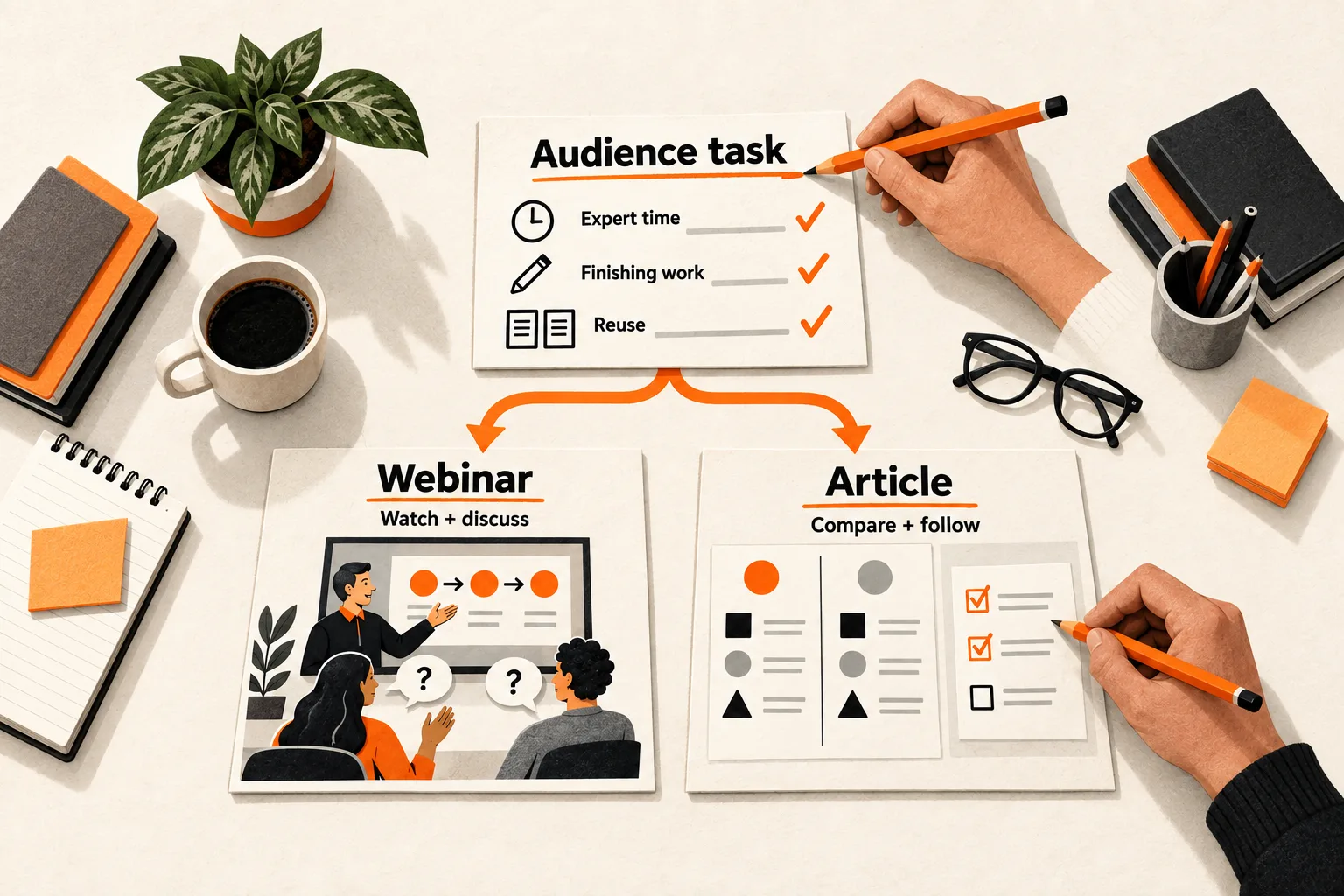
Start with a webinar when the audience needs to watch a process and discuss cases with the expert. Start with an article when readers need precise comparisons, instructions they can revisit, or an explanation that needs careful review.
If speaking is simply the easiest way to capture the founder’s knowledge, record a private interview and use it to write the article. Capturing expertise and choosing the public format are separate decisions.
For a small AI or SaaS team, compare four things before producing the main asset: the audience’s task, the expert’s availability, the work required to finish it, and the follow-up materials you need.
Match the format to the reader’s task
Write one sentence before choosing a format: “After this, the reader or viewer should be able to ____.”
Use a concrete action. “Understand AI evaluation” leaves too much room. “Choose which failed responses belong in a weekly evaluation set” gives you an explanation to design.
Collect relevant questions from support conversations, interviews, or community discussions. Keep the original wording separate from your interpretation. For example, a question about what happens when an import fails calls for a different explanation from a request for the required import fields.
Use these distinctions as an editorial starting point:
| What the audience needs | Starting format to consider |
|---|---|
| Watch a sequence and discuss exceptions with the expert | Webinar |
| Compare criteria or copy exact instructions | Article |
| Hear an expert reason through cases contributed by attendees | Webinar |
| Watch a repeatable process without live discussion | Article with a recorded demonstration |
| Check details that change frequently | Article |
Choose the main asset around the hardest part of the task. An article can include screenshots or a short demonstration; a webinar can have a written companion.
For example, showing how an AI assistant recovers from an unsuccessful tool call may benefit from narration and visible state changes. Explaining the criteria for allowing a retry may work better as a written decision guide. A visual explanation alone does not settle whether to hold a live event.
Give the live audience a specific job
Before booking a webinar, identify who you can realistically invite and what they would contribute. Ask attendees to bring a failing workflow, a difficult case, or a question the expert can work through. That gives the session a purpose beyond presenting prepared material.
Assign someone to manage those questions. Zoom Webinars lets attendees submit questions for hosts, co-hosts, and panelists to answer, and organizers can generate a Q&A report afterward. Q&A must be enabled; an account setting can make the option unavailable. These features support the session, but they do not tell you whether people will attend or participate. Zoom’s Q&A documentation
If you cannot name a useful role for attendees, consider an article with a recorded demonstration. You can still show the process without requiring everyone to attend at the same time.
For a live session, decide what people who miss it will receive. The replay should include enough context to make the questions and answers understandable without the original chat or earlier conversations.
Check the expert’s availability and the editing required
Ask the expert for a short sample before committing to the format: one decision, a worked example, and an exception. Listen for skipped steps, references to diagrams that do not exist yet, and claims that need checking. Use those gaps to estimate the editing work.
Someone with little writing time may be a good interview source. Confirm separately whether they can rehearse, attend a fixed event, and review the follow-up materials. A careful writer may be able to produce an article with less live coordination.
For either format, name the technical reviewer and reserve their review time. A transcript records what someone said; each claim still needs checking.
If the explanation is unsettled, draft the argument in writing first. Put each claim beside its example, supporting evidence, and qualification so the reviewer can identify what is missing before you schedule production.
Estimate the work through the finished asset
Compare complete production paths. For a webinar, include the outline, demonstration setup, speaker preparation, invitations, rehearsal, hosting, recording review, captions, and replay preparation. For an article, include research, expert input, drafting, diagrams, fact-checking, review, and page preparation. Add the planned follow-up assets to both estimates.
Count each person’s time. A one-hour rehearsal with three people uses three staff hours. Record calendar dependencies separately: an article might require fewer hours yet finish later if its only reviewer is unavailable.
Include accessibility in the production budget. W3C recommends providing captions and a separate transcript. Its planning guidance distinguishes live from prerecorded media and addresses descriptions of essential visual information. Use the W3C media planning checklist to identify the work your asset needs.
If YouTube is part of your replay plan, budget time to review automatic captions. YouTube warns that pronunciation, accents, dialects, and background noise can cause transcription errors, and tells creators to correct them. YouTube’s automatic captioning guidance
For a technical demonstration, check product names, numbers, and words whose omission reverses the instruction. A caption that turns “do not enable” into “enable” changes the advice.
Choose the follow-up assets before recording
Name up to two follow-up assets with a specific audience and destination. A newsletter explanation and a checklist call for different source material from a narrated demonstration and two video clips. Leave an asset out if you cannot explain where it will be used.
For clips, plan sections that make sense independently: state the problem, show the action, and explain the result without relying on an earlier slide. For an article, capture the reasons behind each step and save supporting references as you go.
Include conversion work in the estimate. A webinar transcript may need a new reading order, fewer repeated points, and explanations of details shown only on screen. An article adapted into video needs spoken transitions and visual material.
Once you have selected the source format, use the content repurposing effort budget to set allowances for those follow-up commitments.
Worked example: an AI support team chooses an article
Imagine a three-person SaaS team explaining when an AI support assistant should hand a conversation to a person. The situation and estimates below are hypothetical, not production benchmarks.
The audience needs to choose handoff rules and recognize exceptions. The founder can offer a 30-minute interview and one review session. The team needs a written checklist and an email explanation; it has no established webinar audience.
The team estimates total staff time for each path, including those same follow-up assets:
| Work stage | Article first | Webinar first |
|---|---|---|
| Outline and expert preparation | 2 hours | 3 hours |
| Drafting or event preparation and delivery | 4 hours | 5 hours |
| Review, finishing, and planned reuse | 3 hours | 5 hours |
| Total staff time | 9 hours | 13 hours |
The team chooses the article. Readers need to compare rules, the founder’s availability fits an interview, and both follow-up assets are written. Annotated screenshots explain the handoff sequence.
The webinar option also has an unresolved dependency: the founder has not committed to rehearsal and live delivery. The team must resolve that before treating the 13-hour estimate as a workable plan.
The choice could change if prospective users committed to bringing difficult conversations for discussion and the founder could attend. A live walkthrough would then have a specific purpose. The team would need to confirm moderator time and replay preparation in its budget.
Before production, it defines a small pilot: ask five relevant readers to apply the guide to a sample conversation and explain their choice. This can reveal missing instructions. It cannot establish that articles outperform webinars for other teams or audiences.
Copy this source-format worksheet
Complete this brief for one topic before booking a speaker or starting a draft:
Topic:
Audience and task they should complete:
Actual questions that prompted this piece:
What must be shown, compared, copied, or discussed:

What live attendees would contribute:
Who we can realistically invite:
Expert input available:
Rehearsal and live availability, if needed:
Technical reviewer and review date:

Planned follow-up assets, audiences, and destinations:
1.
2. (Leave blank if unnecessary.)

Article path:
  Work stages, owners, and estimated staff hours:
  Visuals, accessibility, and review work:
  Calendar dependencies:
  Total staff hours:

Webinar path:
  Work stages, owners, and estimated staff hours:
  Accessibility, recording review, and replay work:
  Calendar dependencies:
  Total staff hours:

Chosen format and reason:
Unresolved dependency and who will resolve it:
Evidence that would change the choice:
How we will check whether users can complete the task:
Review date:
After completing the asset, record actual hours by stage and whether intended users could perform the task. Keep attendance, views, and task success separate. A webinar delivered to existing customers and an article shared with unfamiliar readers are not a controlled format comparison.
Use the largest gap between estimated and actual effort to adjust the next plan. If review took most of the time, reserve the expert earlier. If viewers needed a written rule beside the demonstration, include that companion in the next brief.
Choose the first format for one topic
Take one topic from your backlog and complete the worksheet. Write the audience’s task first, then compare both production paths. Before scheduling the work, assign an owner to the unresolved dependency most likely to change your choice.


