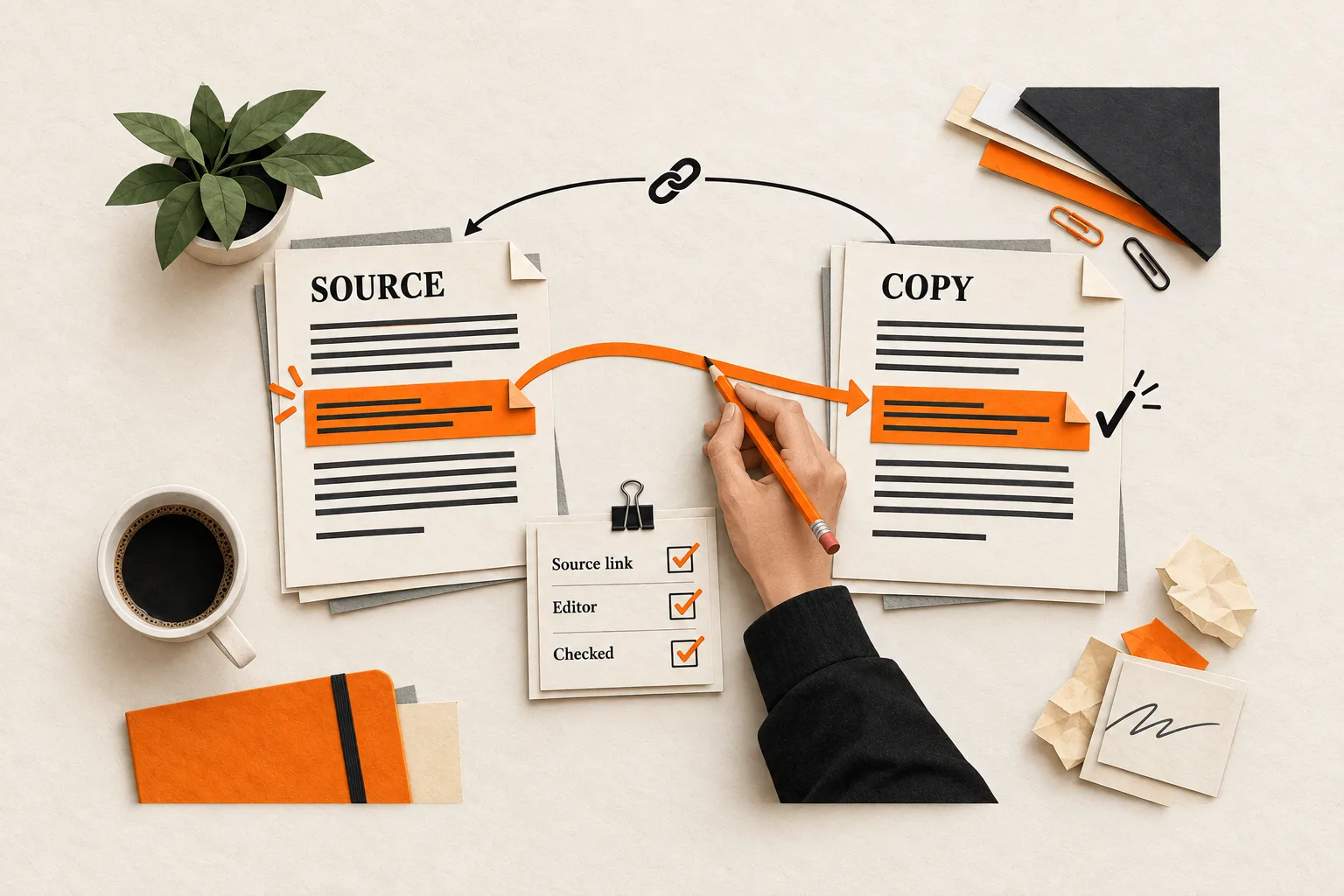
Republishing a product tutorial creates another place to fix it. Change a setup step on your blog next month, and someone reading the copy elsewhere may still follow the old instructions.
Before copying an article, record its source URL, who can correct each copy, and how to reach them. Decide whether the destination should appear in search, then check which controls it supports. A canonical setting cannot maintain the article or guarantee which version Google shows.
Start with one article you have permission to distribute and one destination. Test the correction process before adding more copies.
Choose a format you can maintain
A full copy makes sense when readers can complete the article’s task on that platform and your team can maintain another version. Choose an excerpt when the source contains frequently changing instructions, an interactive worksheet, or details you cannot reliably update elsewhere.
An adaptation changes the explanation for a particular audience. A developer community might need implementation details, while a founder newsletter needs the decision those details support. Record those intentional differences so the next editor knows what to preserve.
Before approving a destination, answer four questions:
- Who there needs this article, and what should they be able to do afterward?
- Will you publish a full copy, an excerpt, or an adaptation?
- Who can edit or remove it after publication?
- Which attribution and search settings can you control?
Include maintenance time in the decision. FindVex’s guide to setting a content repurposing budget can help you decide how many versions your team can support.
Separate attribution from search controls
Visible attribution tells readers where the article came from. A canonical link expresses a preferred representative URL to search engines. Permission to reuse the material and responsibility for corrections need their own checks.
Place a short attribution line near the beginning or end of each full copy. For example:
Originally published by [company] at [linked article title]. This version reflects the source update dated [date].
Use that update date only after checking that the copy contains the revision. Link to the specific source article.
Google describes canonical links as hints. Its updated notice on cross-domain duplication says they are no longer recommended for syndicated content. Google’s updated syndication notice
If you want a syndicated version excluded from Google Search, Google recommends a noindex rule on that version. The page can remain accessible to readers. Google’s syndication guidance
Settle this with the destination before sending the full article. You can accept that its copy may appear in search, arrange for it to exclude the copy, or send a shorter excerpt to reduce the material duplicated elsewhere. An excerpt is a content choice; it does not itself exclude the destination from search.
For noindex to work, Googlebot must be able to access the page and read the rule. Blocking the page through robots.txt can prevent that. Google must also recrawl an existing page to process the change, so exclusion may take time. Google’s noindex documentation
Check the controls each platform supports
Record the available control, its configured value, and what you verified on the public page. A platform’s canonical field is a capability, not evidence that Google will select your source or improve its ranking.
On Medium, only the story’s author can set its canonical link. In edit mode, open the three-dot menu, choose More settings, then find Advanced Settings and select the option indicating that the story was originally published elsewhere. Enter the source URL, save the canonical link, and publish the changes. Medium also documents automatic canonicals through its official cross-posting tools. To verify the result, inspect the published page source and search for canonical. Medium’s canonical-link instructions
DEV provides a Canonical URL field in the Rich + Markdown editor’s settings and a canonical_url field in Basic Markdown front matter. Its RSS import settings also offer an option to mark the source as canonical. Check the setting used for the individual post. DEV’s writing and cross-posting help
These documented canonical features do not establish that either platform offers the indexing control your agreement requires. Confirm that separately before committing to a full copy.
For a partner’s website, ask its editor which controls they can implement and who will verify them. If you agree to configure a canonical, specify the complete source article URL. Google recommends absolute canonical URLs and places the HTML canonical link element in the page’s head. An ordinary attribution link in the article body does not implement that element. Google’s canonical implementation documentation
Create a source and destination record
Keep the working article in one place and identify the public URL you intend to maintain. Assign a revision label such as v1.0 and keep a short change log. The label helps editors track copies; readers usually need only a meaningful update or correction note.
Review the permissions you have for the text, screenshots, illustrations, quotations, and customer details. Record any assets that need separate clearance, replacement, or omission before republication.
Keep the original publication date separate from revision and republication dates. Publishing a copy later should not make an old product walkthrough appear newly verified.
Create one record per destination:
Article title:
Source article URL:
Original publication date:
Source revision and substantive update date:
Destination and public copy URL:
Republication date:
Format: full copy / excerpt / adaptation
Permission or agreement reference:
Assets excluded or replaced:
Attribution text and source link:
Canonical capability and configured URL, if used:
Indexing agreement and supported control:
Editor responsible for corrections:
Editing access or partner correction contact:
Last source revision checked and date checked:
Public-page verification evidence:
Intentional differences:
Open corrections, owner, and follow-up date:
Next review date or triggering product change:
Use explicit states such as “unsupported,” “awaiting confirmation,” and “verified.” For verification evidence, record what you checked: the canonical URL found in the page source, the indexing rule confirmed by the partner, or the corrected passage visible on the public page. A blank field leaves the next editor guessing.
Check the copy as a reader would
Preview the destination on a narrow screen. A missing warning, broken code block, or detached image caption can leave readers with incomplete instructions.
Before publication, check that:
- Headings, lists, code, and tables remain readable.
- Images retain useful alternative text and captions.
- Links copied from your blog resolve to the intended public pages on the destination.
- Product steps and claims match the recorded source revision.
- Attribution is visible and its source link works.
- Any canonical or indexing setting matches the agreement.
- The responsible editor has access or a confirmed correction contact.
After publication, open the public URL and repeat the link and settings checks. Record what you observed and when. Saving an editor setting is only the first checkpoint; the public page needs verification too.
Worked example: correcting a SaaS tutorial
Suppose a two-person SaaS team publishes a tutorial about configuring an export. This hypothetical team chooses DEV for a full technical copy and a partner newsletter’s website for a short excerpt.
They record the blog article as v1.0. On DEV, they add visible attribution and use the available canonical field to identify the source. They inspect the published copy and accept that it may appear in Google Search despite that setting.
The partner excerpt explains when an export is useful and links to the current instructions. It omits the setup steps, leaving less technical detail for the partner to maintain.
Later, the team discovers that the tutorial omitted a required permission. They correct the source and record v1.1: “Added the permission required before starting an export.”
The assigned editor checks both destinations:
| Destination | Required action | Evidence to record |
|---|---|---|
| DEV full copy | Add the missing step and a correction note. | Public copy checked against v1.1; corrected passage visible; check date recorded. |
| Partner excerpt | Check that the excerpt still makes sense and links to the current instructions. | No permissions described in the excerpt; source link verified; check date recorded. |
The excerpt needs no wording change in this example, but its review still belongs in the record. If the team cannot edit a materially misleading copy, they request a correction or removal and keep the issue open until they verify the result.
Review copies when the source changes
Choose a review interval based on how quickly the article can become wrong. Review product walkthroughs after relevant releases. An evergreen explanation may need fewer scheduled checks. Record event triggers alongside dates so a product change starts the review when it matters.
For each substantive source update, identify affected copies, assign an editor, and track correction through verification. Add a short public correction note when the earlier version could have led readers to a wrong conclusion or action. Routine typo fixes rarely need that treatment.
At the first review, compare useful responses with the work required: relevant reader questions, visits to the source, and time spent formatting and maintaining the copy. Those observations can guide the next distribution decision without proving that syndication caused broader traffic or signup changes.
Test one correction before adding a destination
Choose one existing article and fill out its destination record. Verify its source link, supported controls, and correction contact. Then rehearse a change: identify one product step that could become outdated and write down who would update the copy, how they would access it, and what would confirm the correction.
Resolve any missing access or unanswered partner request before adding another destination.


