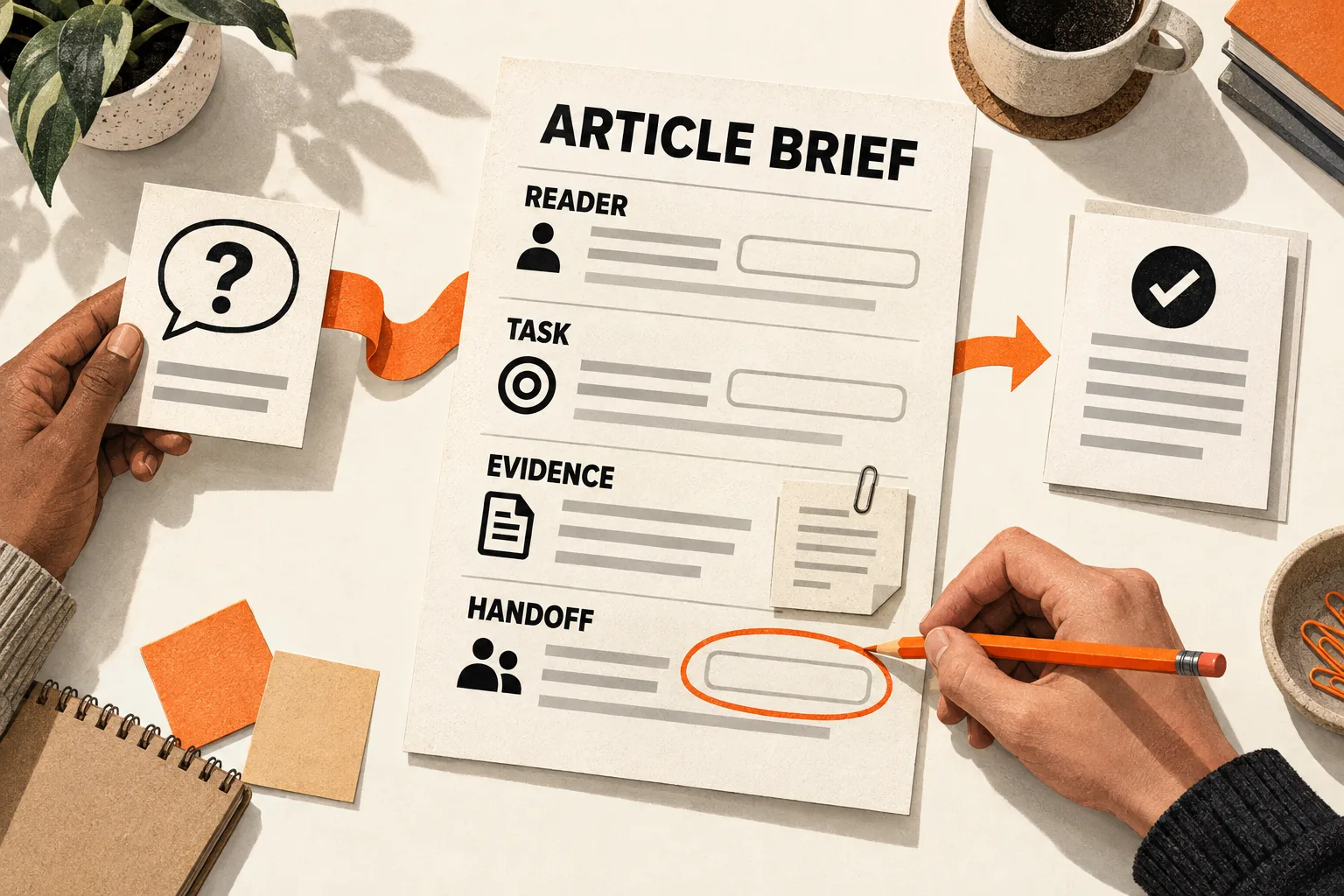
![An editor marks a missing instruction in an article with product names masked as [tool]. An orange arrow leads to a repaired passage labeled Inputs, Steps, and Check, where another reader traces a theme card to its source.](/_astro/product-led-content-quality-checklist-72e617fed78c.CBYmILR__1p7mxO.webp)
Take the paragraph in your latest article that mentions your product most often. Replace the name with [tool]. Can a reader still identify what to do, what they need to start, and how to check the result?
If little remains beyond “use [tool] to get better results,” mark the missing instructions. This product-led content quality checklist helps you repair one weak passage, then restore the product details readers need. Treat it as an editorial exercise: it has no validated score or established relationship to conversions.
Define what the reader should accomplish
Write down the article’s promised result. Choose something a reader can complete or decide: group support requests into themes, choose an onboarding event, or check an AI-generated summary against its source.
“Learn about our automation platform” gives you little basis for judging usefulness. “Create a weekly list of unresolved support themes” gives you a result to inspect. Describe what that list must contain before calling it complete.
GOV.UK’s content guidance recommends defining needs around users’ tasks and warns against inventing a need to justify an existing solution. It also uses acceptance criteria to describe when a need has been met. You can apply that principle to an article’s promised result. Read the user-needs guidance.
Record the intended reader, their starting materials, and the result they should leave with. If those are unclear, use the SaaS content brief template before editing individual sentences.
Ground the task in a support question, interview note, or relevant public discussion you are allowed to use. Keep the original wording separate from your interpretation. In Joanna Wiebe’s review-mining example, customer concerns prompted questions to a developer about the product’s capabilities before she wrote its description. That provides a useful sequence: identify the concern, then check what the product can do. Read Wiebe’s account.
One comment can suggest a question worth answering. It cannot establish how common the problem is across your market.
Hide the branding while preserving the instructions
Make a working copy. Replace company and product names with neutral labels, translate branded feature names into plain descriptions where possible, and temporarily hide promotional calls to action. Keep inputs, settings, decision rules, and expected outputs so you can assess the instructions.
For a product-specific tutorial, retain exact interface labels when replacing them would obscure a step. A guide to exporting a report from a particular app needs those labels. Test whether it explains the step’s purpose, prerequisites, and expected result.
Read the copy as someone who has never used the software. Mark where they would have to guess what to collect, which action comes next, how to choose between options, or how to recognize a usable result. Include any condition that should make them stop or use another approach.
Match the test to the title’s promise. A conceptual guide may help readers make a defensible decision without completing a software workflow.
Google’s content self-assessment asks whether readers learn enough to help achieve their goal and whether they leave needing another search for better information. Those questions support checking for missing explanations. The guidance does not identify brand removal as a ranking factor. See Google’s helpful-content guidance.
Repair an anonymized passage
Consider a hypothetical AI SaaS team writing about turning support tickets into a weekly product review. The passages below are invented examples, not customer quotations, measured results, or verified software capabilities.
Before:
With [tool], you can transform customer feedback into actionable insights. Its powerful AI identifies trends so your team can prioritize confidently. Connect your support desk and let [tool] handle the analysis. Start your trial to discover what customers need.
Connecting a support desk is an action, but the rest leaves the analysis unexplained. What counts as a trend? How should someone inspect a category? How does that category inform a product decision?
After:
Start with a small batch of support tickets from one defined period. Use records you are authorized to analyze and remove personal details the review does not need. Create a sheet with a ticket reference, the customer’s problem, a proposed theme, and a short supporting excerpt.
Group tickets by the problem the customer was trying to solve. Keep feature requests separate from reports that an existing feature failed. Flag tickets that fit several themes for review.
Inspect the tickets behind each proposed theme. Merge categories that describe the same problem and split categories that combine unrelated problems. Record unresolved questions beside the theme.
Bring the checked themes to the product review with an example ticket and a reason to investigate each theme. Consider severity and which customers are affected alongside frequency. If you use automatic grouping, verify its categories against the tickets before presenting them.
The revision supplies inputs, a sequence, and a review rule. It also limits the promise: grouping feedback prepares material for a prioritization discussion; the team still has to make the decision.
For this hypothetical exercise, define a complete output as a theme list in which every theme has a supporting ticket reference and an investigation question. For example, an invented entry might read: “Export failures; sample ticket T-01; investigate whether failures depend on file size.” This shows the expected form without claiming that an export problem occurred.
A product walkthrough can follow once you verify its behavior. Show the relevant settings and output. If the software cannot retain ticket references or expose the underlying evidence, explain how the reader must preserve those references separately.
Restore product details with evidence beside them
Review each removed mention. Keep a product name when it identifies the interface being demonstrated. Use a current screenshot to locate a setting. Explain which step a feature performs and what work remains for the reader.
Replace praise such as “our powerful reporting makes this easy” with the action and its conditions. Delete it if the surrounding passage already explains the step.
For each restored claim, record the exact wording, current documentation or a reproducible behavior check, the date checked, and the conditions under which it holds. Put prerequisites that affect the reader beside the instruction: an integration, permission, plan restriction, or required input format.
Suppose the example’s author wants to restore the sentence “[Product] groups tickets and preserves links to each original record.” Both parts need support. If only grouping is verified, narrow the claim and explain how to keep the ticket references. If neither is verified, leave the product claim out until someone checks it.
A feature check supports a description of that feature. Claims about time saved, accuracy, or better decisions require evidence of those outcomes.
Copy the quality checklist and repair worksheet
For each item, record pass, revise, or not applicable, followed by a passage reference and a short reason. Explain any not-applicable judgment.
| Check | What to point to in the article |
|---|---|
| Reader task | A specific problem and promised result |
| Starting point | Required inputs and prerequisites |
| Method | Actions or decision criteria that remain clear with branding hidden |
| Example | A usable output, clearly labeled if hypothetical |
| Product evidence | Support for each capability or outcome claim |
| Limits | Conditions and exceptions beside the advice they qualify |
| Product mentions | Instructions, evidence, or context each mention contributes |
| Next step | A task or resource that follows from the reader’s work |
Then complete a repair note for the first passage marked revise:
Article and passage:
Intended reader:
Promised result:
Completion criteria:

First place the reader must guess:
Missing input, instruction, or decision rule:
Replacement passage:

Product claim to restore:
Source or reproducible check:
Supporting passage or observed behavior:
Date checked and relevant product version or plan:
What the evidence does not establish:
Decision: retain, narrow, remove, or check before use
Person responsible for any unresolved check:

Product details restored and why:
Remaining limitation:
Avoid converting the checklist into a percentage grade. Repair unsupported claims and missing prerequisites before polishing wording; either can undermine an otherwise clear walkthrough.
Test one repaired passage
Give the passage and suitable sample inputs to a colleague who did not write it, or to a reader familiar with the problem. Ask them to attempt the task without coaching. Record where they pause, what they assume, and whether their output meets the completion criteria.
In the support-ticket example, check whether they can trace every theme to a ticket and identify an unresolved question. A theme list that merely looks organized does not satisfy those criteria.
Use the attempt to locate another missing instruction. One person’s success does not establish that every reader will succeed or that the article will produce more sign-ups. If you later evaluate business performance, retain the article version, dates, traffic sources, and downstream action measured. Those observations require separate analysis because several factors can affect sign-ups.
Choose one article now. Hide its branding, mark the first point where the reader must guess, and complete the repair worksheet for that passage. Restore the verified product details, then ask someone to follow the instructions.